Create your first project
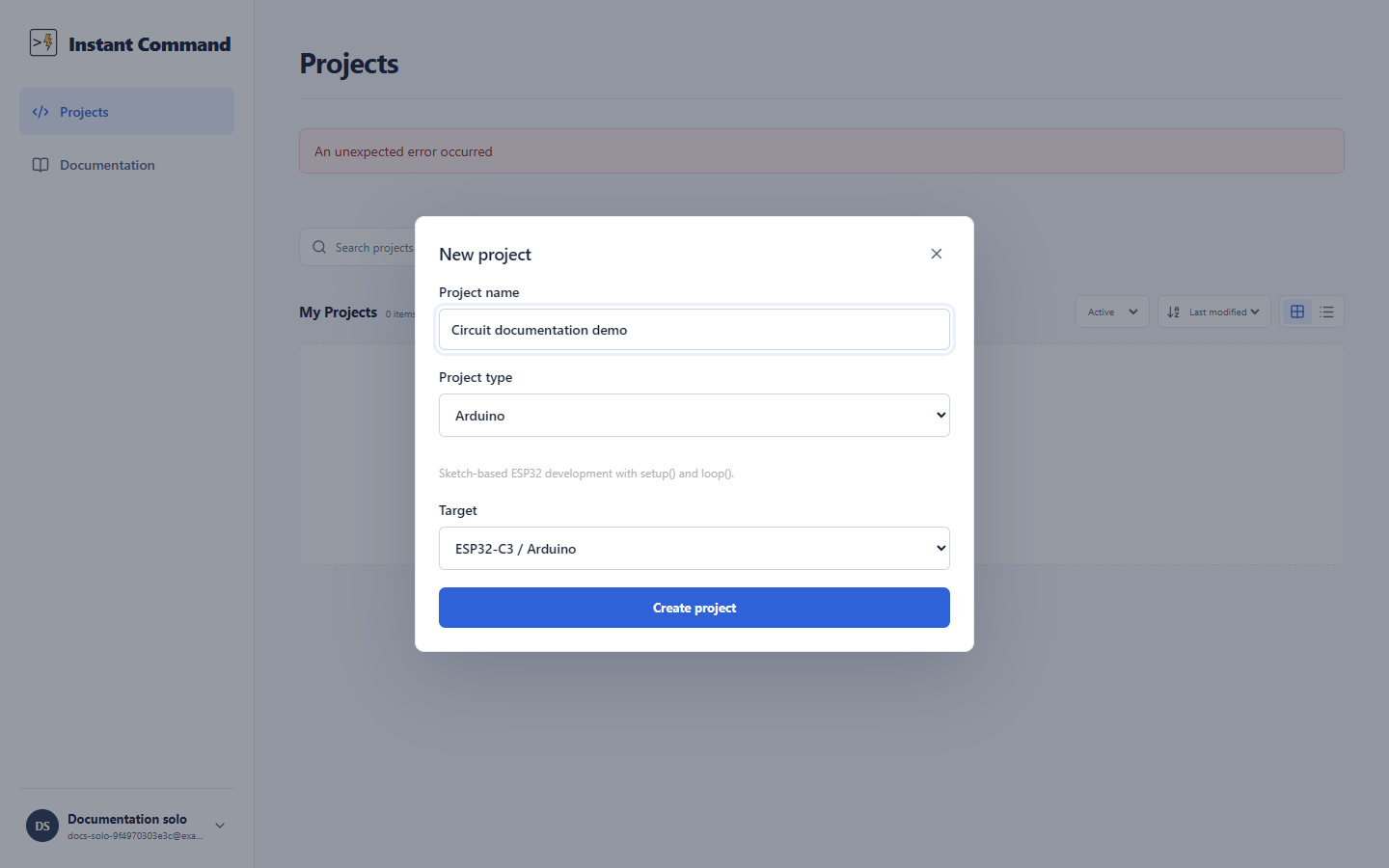
Open Projects in your workspace and choose New project. Give the project a name, choose Arduino, ESP-IDF, or Java under Project type, and select a Target. Choose Create project to open it in the IDE.
| Project type | First target to try | Starter file |
|---|---|---|
| Arduino | ESP32-C3 / Arduino | a project-named .ino sketch |
| Java | Java 21 | src/main/java/Main.java |
| ESP-IDF | ESP32-C3 / ESP-IDF | main/main.c |
The Arduino starter also contains config.h and a README. Its sketch prints to serial and changes GPIO 8. The Java starter prints a greeting to the terminal. Open the source file in the explorer, make a small edit, and press Run. Read Run your first ESP32 program for the simulator workflow, or Java projects for the Java runtime.
Projects created here are personal projects. An assignment opens its own project from the teacher’s starter content; see the student path.
See project creation controls for the dialog fields, and ESP-IDF projects for framework-specific limits.