ESP-IDF projects
Choose ESP-IDF in New project, select the enabled target and choose Create project. This framework uses C/C++ sources, CMake and ESP-IDF configuration rather than Arduino setup()/loop().
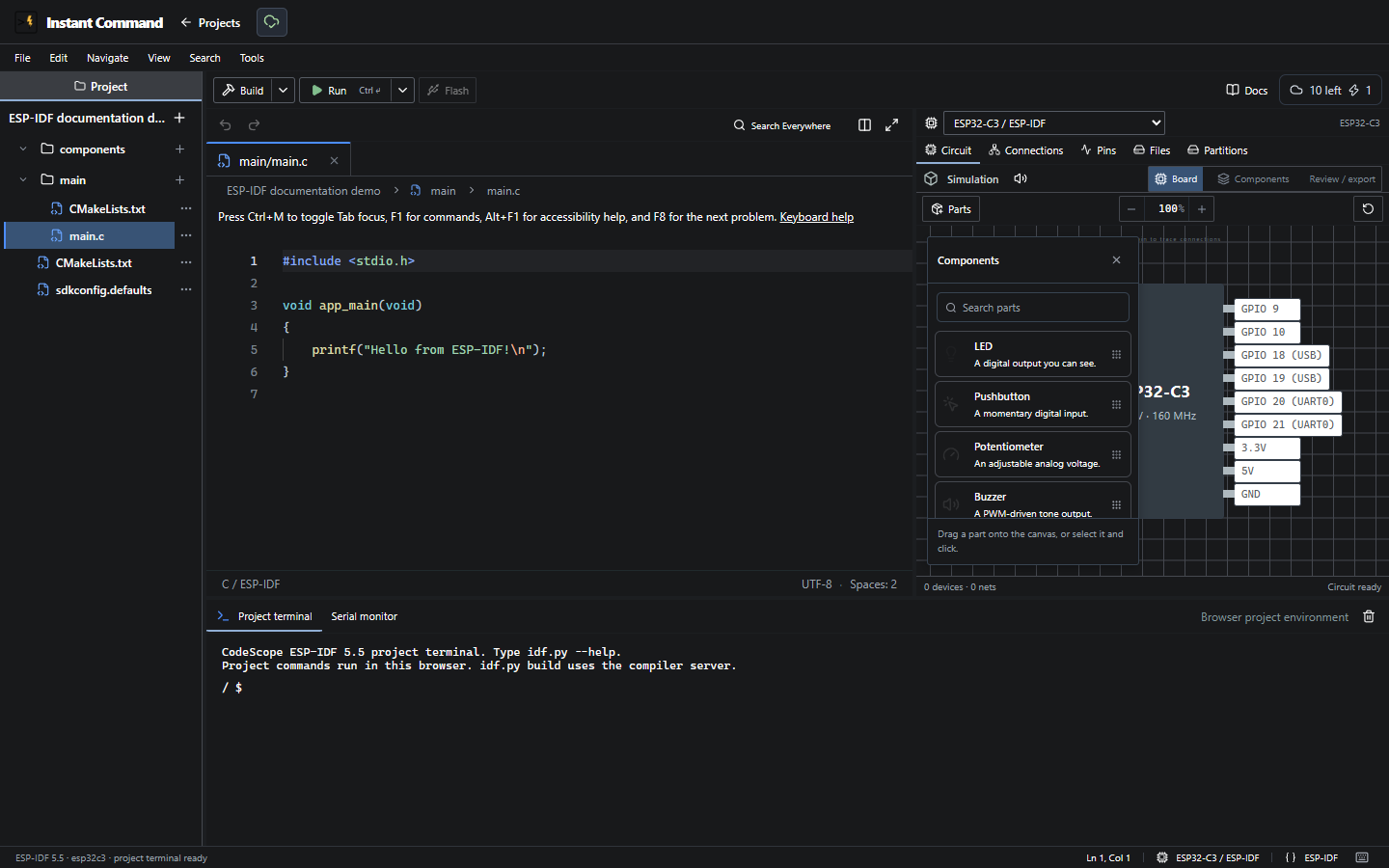
See IDE controls, Files and explorer and Hardware workbench for the visible controls.
The project supports nested source/configuration paths, including main/ sources, CMake files, Kconfig, manifests and configuration files. Add sources to the applicable component build definition; creating a file alone does not guarantee CMake compiles it.
Changing Project board stays within ESP-IDF. It updates sdkconfig.defaults and retains an existing sdkconfig as sdkconfig.old. Review target-specific source and pin assignments after changing.
Partitions loads the project’s partition sources before allowing edits; a load error prevents opening an incomplete partition view. Project terminal is a project-command interface, not arbitrary host shell access.
ESP32/C3 have browser simulation adapters. S3 remains listed as a target but its ESP-IDF build/runtime is unavailable. Physical Flash is disabled for ESP-IDF in this UI. Do not infer feature parity from the Arduino target with a similar chip name. The screenshot verifies project creation/editor access, not a successful ESP-IDF compile or peripheral run.