Create a class
Teachers use Classes to keep students, assignments, submissions, and grades together. A Solo or Student account cannot create a class.
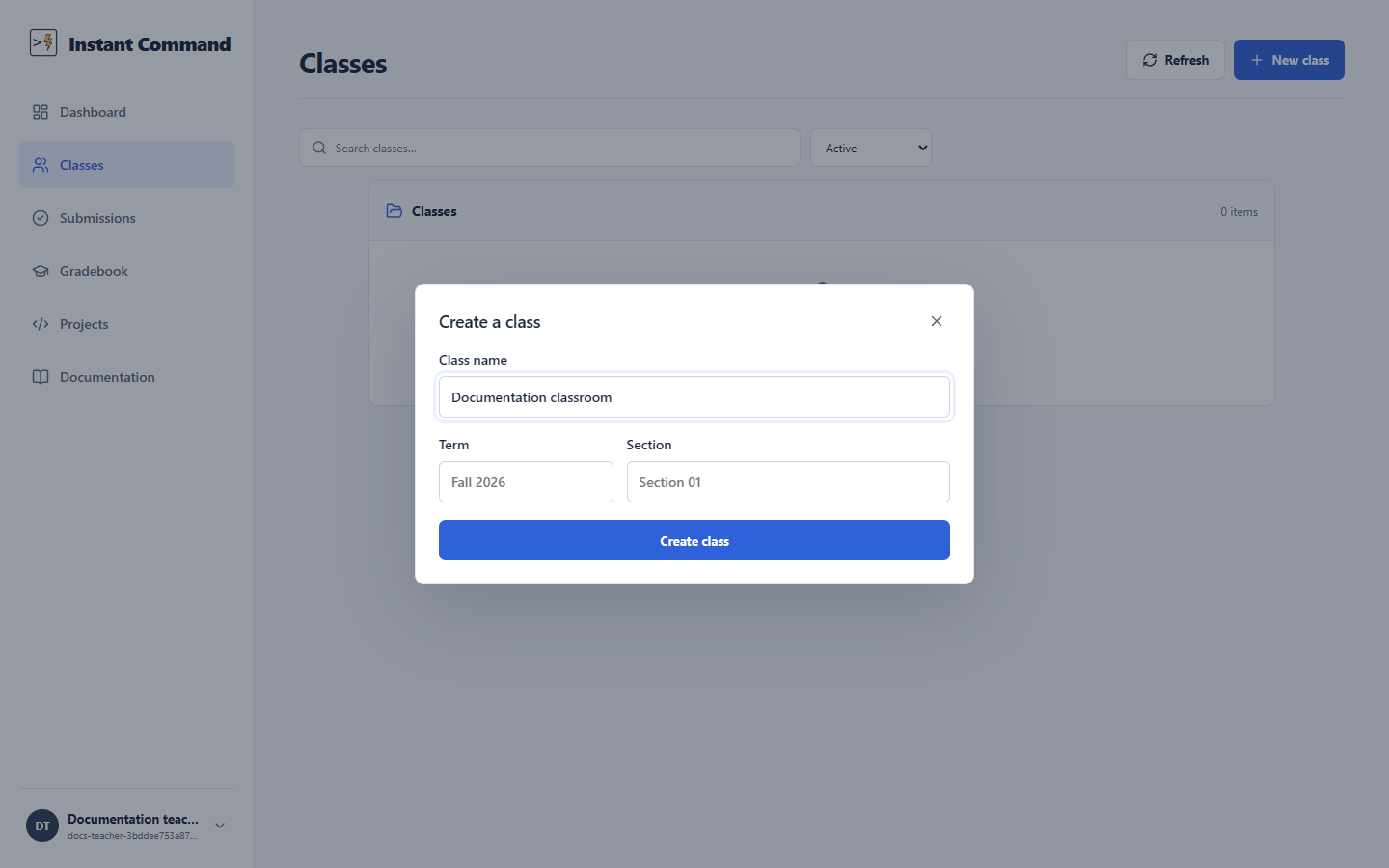
- Open Classes and choose New class.
- Enter a Class name. Term and Section are optional; use them to distinguish repeated courses.
- Choose Create class. Open the new class from the list.
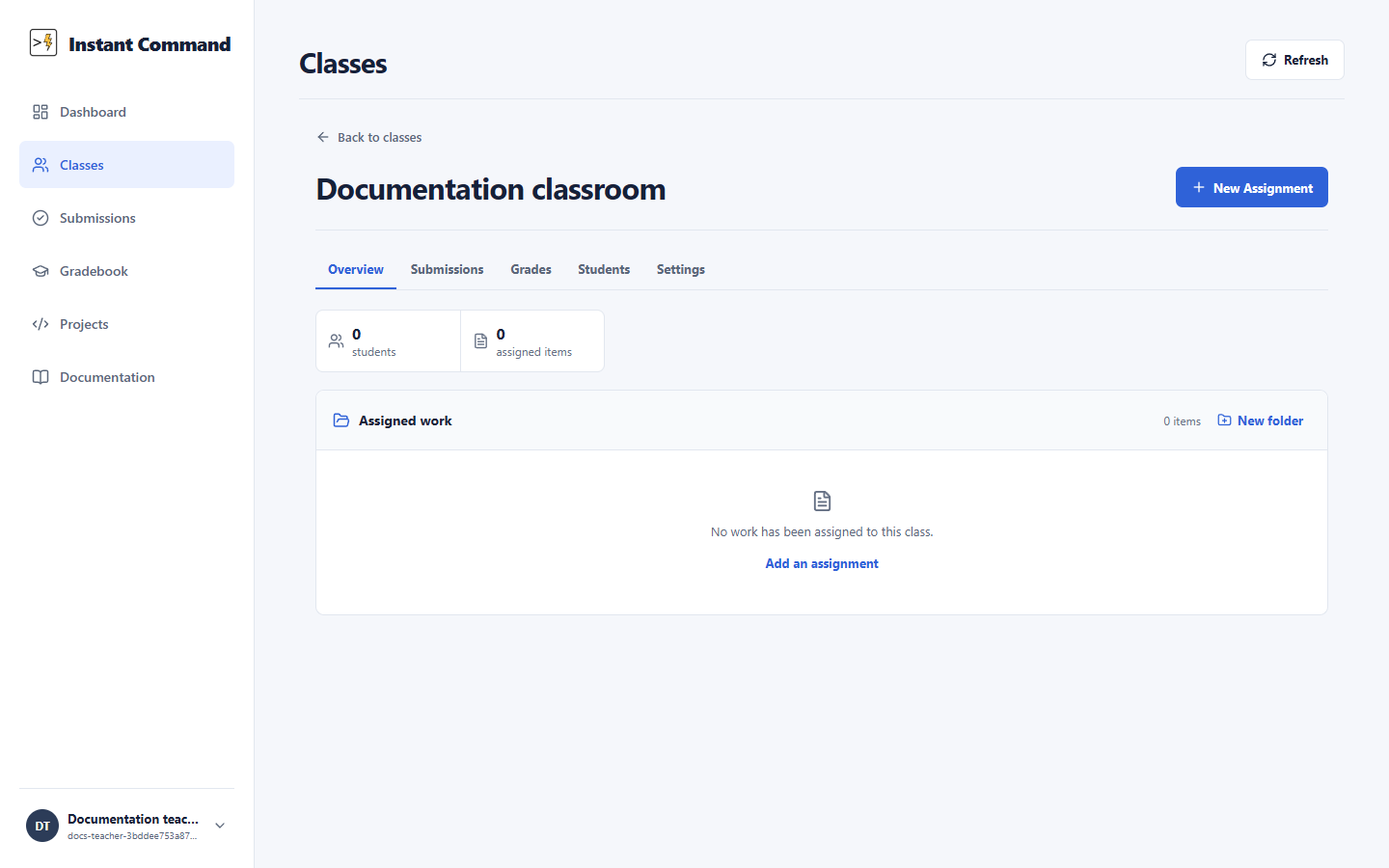
The class opens to an overview with its assigned work. New Assignment starts work for this class. The class also has Students, Submissions, Grades, and Settings sections.
The class list has a Show join code control for each class. Share that code with the students who should join. Students enter it from their own Classes page; see Join a class. The code is also available in the class’s Settings section.
When a term ends, Settings offers Archive class. Archived classes keep their work and student records and can be restored from the archived class collection.
Class controls and roles
Section titled “Class controls and roles”| Control | Action / availability |
|---|---|
| Class name / Term / Section | Name is required; term/section distinguish groups. |
| Create class | Saves a new class owned by this Teacher. |
| Close dialog | Cancels creation. |
| New Assignment / Add an assignment | Opens creation choices; select Create a new assignment. |
| Overview | Assigned work and class summary. |
| Students | Enrollment list; owner can manage enrollment/invitations. |
| Submissions | Student attempts available to authorized teachers. |
| Grades | Class-scoped gradebook and publication/export controls. |
| Settings | Class settings, join-code reveal, teacher access and archive actions according to role. |
| Show join code | Opens its projection dialog; keep the code private to intended students. |
| Archive class | Archives without deleting historical work/records. |
Class owners can invite existing teachers on the same effective shared plan as Viewer (read only) or Co-teacher (assignments, tests, grading). The owner keeps enrollment, join-code, archiving and teacher-access control. Shared plan membership alone grants no classroom access. Invitations require explicit acceptance and expire after seven days.